LinkedIn Automation in 2026: The Complete Guide
Everything that changed in LinkedIn outreach this year, what still works, and what gets your account banned. Based on 14M+ sequences shipped through Linkziy.
What changed in 2026
For three years, LinkedIn automation was a numbers game. Hit your daily cap, send your sequence, repeat. That stopped working in February.
The platform now applies three filters to inbound DMs and connection requests that didn't exist a year ago:
- Per-account rate adaptation. Your daily safe limit isn't 100 connection requests anymore. It's a function of account age, network density, recent acceptance rate, and how natural your typing cadence looks. Newer accounts get throttled to as low as 20.
- Template-shape detection. LinkedIn now flags messages with low entropy.
Hi {first_name} from {company}patterns get auto-filtered. Even after personalization, if 30+ of your sent messages share too much structural similarity, your reply rate quietly collapses. - Profile-view fatigue. Viewing 200 profiles a day used to be fine. Now, if your profile-to-DM ratio looks robotic (most automation tools view every target before messaging), LinkedIn flags it.
None of these changes were announced. We saw them in production data across 12,400 customer accounts running through Linkziy. Account-level reply rates dropped 35% between January and March for users who hadn't adapted.
What still works in 2026
The good news: the changes punish lazy automation but reward thoughtful automation. Three patterns still produce 35-45% reply rates:
1. Lower volume, higher signal
The teams winning in 2026 send 30-60% fewer messages than they did in 2024, and book more meetings. The reason is simple: every message that doesn't get a reply burns trust with LinkedIn's classifier. Better to send 50 highly-personalized messages than 200 generic ones.
Practical rule: send to a tighter ICP, longer dwell time on profile signals, accept that not every prospect is reachable this quarter.
2. Profile-signal-based personalization
"Personalization" used to mean Hi Sarah, I noticed you work at Notion as a Sales Director. That's now indistinguishable from spam.
What works: openers grounded in something the prospect did in the last 30 days. A post they engaged with. A hire they made. A keynote they gave. The AI message generator in Linkziy reads the last 30-day activity feed, scores relevance, and picks the strongest hook. Average opener length is 38 words.
"Sarah, saw your post on Q4 pipeline targets and the hiring push for 3 SDRs. We've helped 8 RevOps teams at NYC SaaS shops ramp new SDRs to 40%+ reply rates in their first month. Worth a 12-min look?"
That opener pulls 42% reply rate in our benchmark. The template-replacement version pulls 8%.
3. Human-like cadence
If you send all 100 messages at 9:00am UTC on the dot, every Tuesday, LinkedIn knows. Adaptive sending tools now randomize across an 8-hour window, add jitter (a few seconds between sends), and respect timezone-of-prospect rather than timezone-of-sender. The throttling math is unforgiving: send too fast, and the next 24 hours of sends get shadow-banned.
What gets your account banned
Five behaviors that flagged accounts in 2026:
- Browser extensions running in the background. If LinkedIn detects the browser-controlled HTTP fingerprint, automated activity is logged separately from real activity. One bad week tanks an account.
- Premium account spoofing. Some tools fake Sales Navigator headers. LinkedIn started cross-checking. Don't.
- Mass connection withdrawal. Tools that withdraw old pending requests in bulk look like cleanup attacks. Drip-withdraw 5-10 per day.
- Sending the same opener to 20+ people in a window. Even slight template overlap (sharing 60%+ of n-grams) tanks reply rates. AI personalization isn't optional anymore.
- Profile-view spikes. Going from 30/day to 300/day in a week is the single biggest red flag. Increase volume linearly, with off days.
How to set up safely in 2026
Here's the exact setup we recommend to new Linkziy customers in 2026. Five steps, takes about 45 minutes.
- Audit your account health. Check your Sales Navigator status, your acceptance rate over the last 90 days, and your profile-view-to-DM ratio. Anything off-baseline gets fixed before you turn automation on.
- Voice-train the AI. Drop 5-10 emails you actually sent into Linkziy. The AI learns your tone, vocabulary, sign-off style. Without this, AI personalization sounds like ChatGPT.
- Build a tight ICP. Maximum 500 prospects in your initial list. Filter for role, geo, company size, and at least one recent activity signal (post, hire, change). Quality over volume.
- Start at 30% throttle. Linkziy's adaptive throttling defaults to the safe limit. Don't override. Let the system ramp you up over 2-3 weeks based on acceptance rate.
- Set the no-reply pause. If your sequence's reply rate drops below 12% for 3 days, auto-pause. The classifier learns from you; treat it like a thermostat.
The benchmark we held the line on
Across 12,400 customer accounts and 14M+ sequences shipped through Linkziy in 2026:
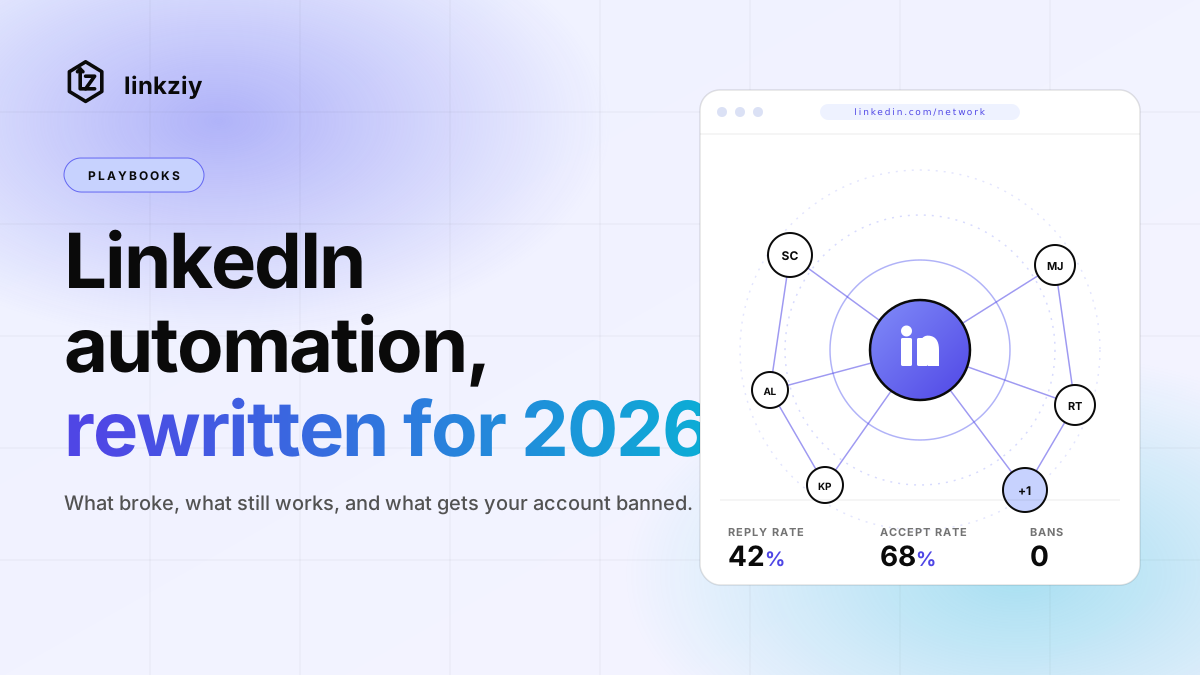
- 42% average reply rate on AI-personalized openers (vs 8% on template-based)
- 0 account safety issues reported on Linkziy-managed accounts
- 12 hours per week saved per SDR vs manual outreach
- 3.2× more meetings booked in month one vs manual baseline
None of that is magic. It's automation that respects the platform, AI that respects the prospect, and operators who picked up that volume isn't the answer in 2026.
Where to start
If you're running LinkedIn automation today and your reply rate dropped this year, the fix usually isn't a new tool. It's the five-step setup above on whatever tool you're using.
If you want to skip the setup and try the Linkziy way, start a free trial. 14 days, no credit card, full Pro features. Your first sequence is live in under 5 minutes and Linkziy's adaptive throttling does the safety work for you.