How to Avoid LinkedIn Account Suspension in 2026
Learn how to avoid LinkedIn account suspension automation risks with safe warmup, human-paced sending, and multi-account isolation strategies for 2026.

A founder we'll call the "typical case" spends three weeks building a 2,000-lead list, writes a decent opening line, hits send on an automation tool, and by Thursday gets a 100-day restriction notice. No warning. No appeal that actually works. Just a locked account and a pipeline that evaporated overnight. This happens more than most SaaS marketing pages admit, and it's the exact scenario this guide is built to help you avoid.
Learning how to avoid LinkedIn account suspension automation risk isn't about finding a magic loophole. It's about understanding how LinkedIn's detection systems actually work in 2026, then building sending behavior that looks and acts like a real person, even when a machine is doing the heavy lifting. This guide walks through the exact mechanics: warmup sequences, pacing, multi-account isolation, and message personalization, and shows where popular tools like Expandi and Dripify fall short.
Why LinkedIn Is Cracking Down Harder on Automation in 2026
LinkedIn's trust and safety team has shifted from simple rate-limit rules to behavioral fingerprinting. That means the platform no longer just counts how many connection requests you sent today. It looks at the pattern: how evenly spaced your actions are, whether your mouse and scroll behavior looks human, whether your device and IP match your usual login history, and whether your message text resembles thousands of other messages sent from unrelated accounts.
The consequences range from mild to severe. A restricted action might just cap your weekly invitations. A temporary lock can freeze search, messaging, or your whole account for days. A permanent ban wipes out your network, your content history, and any Sales Navigator seats tied to it. Founders and agencies get hit hardest because they tend to run the highest volume with the least infrastructure between accounts, exactly the profile LinkedIn's models are trained to catch.
According to the LinkedIn Professional Community Policies, the platform explicitly prohibits "automated means" of interacting with the service outside of approved partners, which is why the safety of the tool you choose matters as much as how you use it.
1. Understand Why LinkedIn Flags and Suspends Automated Accounts
Before fixing anything, it helps to know what actually trips the wire. Four patterns account for most suspensions we see reported across founder and agency communities:
- Perfectly timed actions: Sending a connection request every 47 seconds, or messages that fire the instant a lead accepts, is a dead giveaway. Humans don't behave with that precision.
- Low acceptance rates: If fewer than 20-30% of your connection requests get accepted, LinkedIn treats that as a signal you're spraying invites at people who don't know you, a classic spam pattern.
- Shared infrastructure fingerprints: Tools that route many client accounts through the same shared proxy pool or cloud IP range create a fingerprint LinkedIn can trace across accounts. When one account in that pool gets flagged, others nearby often get swept up too.
- Duplicate templated messages: Text-similarity detection compares your message against a huge corpus of known automation templates. A message that's 95% identical to what thousands of other Expandi or Dripify users are sending stands out immediately, even with a first-name token swapped in.
Once you see the pattern, the fix becomes obvious: automation itself isn't the problem. Automation that behaves like a bot is the problem.
2. Build a Real Warmup Sequence Before You Automate Anything
New accounts, recently reactivated accounts, and accounts that jump straight from zero activity to 100 connection requests a day are the fastest way to get flagged. LinkedIn's trust score builds over time, and it punishes sudden spikes in activity from an account with no history.
A real warmup sequence looks like this:
- Week 1: Manual-feeling activity only. Log in daily, view 10-15 profiles, like a handful of posts, leave 2-3 genuine comments. No outreach yet.
- Week 2: Start sending a small number of connection requests (5-10/day), ideally to people who've already engaged with your content or posts.
- Week 3 onward: Gradually ramp toward your target volume, adding messaging once your acceptance rate is stable above 30%.
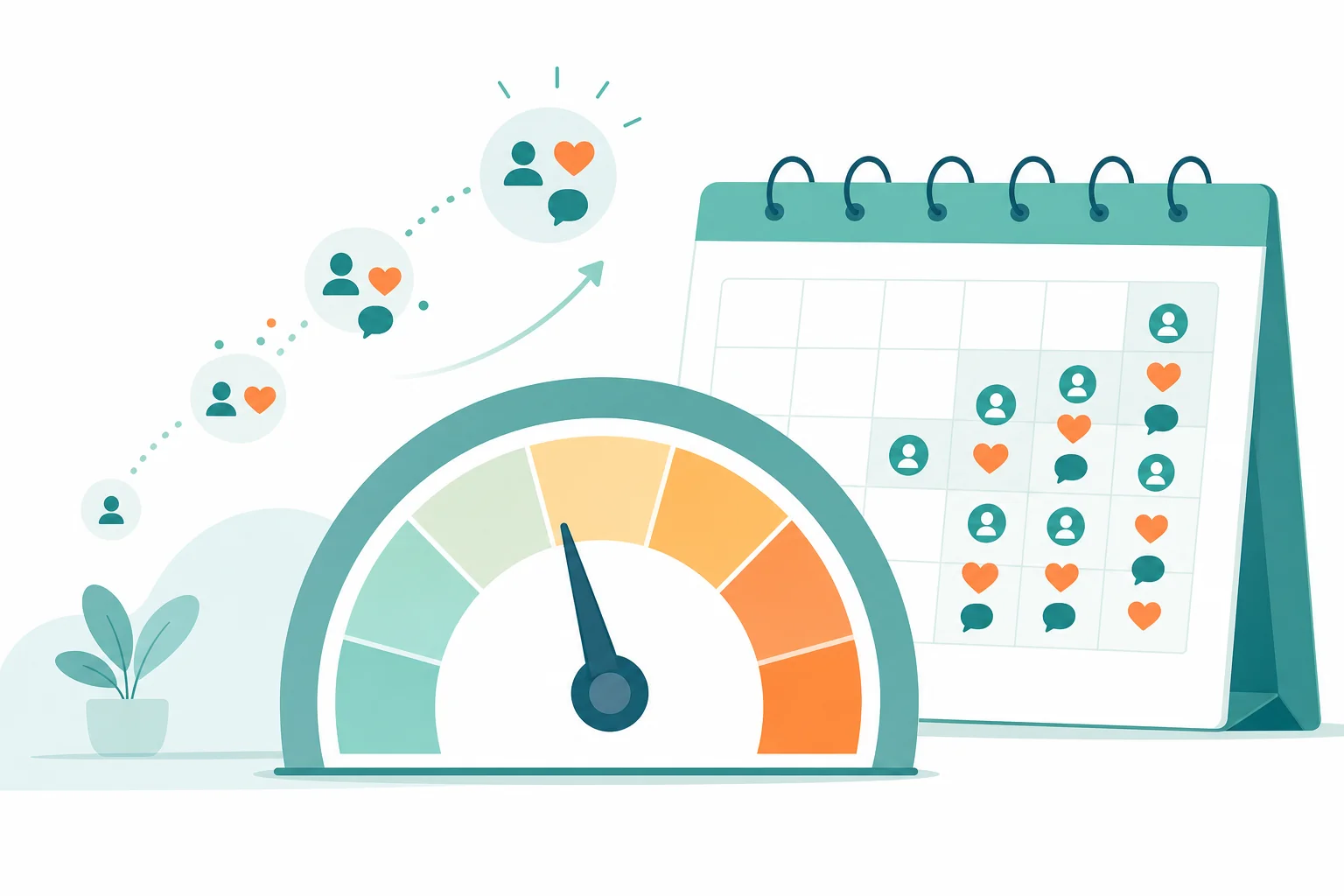
This is exactly where lead warmup earns its keep. Linkziy's warmup engine engages prospects, through profile views, post likes, and comment interactions, before a connection request ever goes out. By the time the invite lands, the prospect already recognizes the name, which lifts acceptance rates and gives LinkedIn a natural-looking engagement trail instead of a cold blast. It's the difference between showing up as a stranger and showing up as someone who's already been circling your orbit.
3. Send Like a Human: Pacing, Timing, and Daily Limits
Volume caps matter, but pacing matters more. Most safe operators keep connection requests in the 15-25 per day range for a fully warmed account, with weekly totals staying well under LinkedIn's historical soft caps. Messaging volume should track a similar curve, scaling with your acceptance rate rather than a fixed number you picked from a blog post.
Three pacing habits separate safe accounts from flagged ones:
- Randomized delays: Space actions with variable gaps (2-9 minutes, not a fixed 3 minutes every time). Fixed intervals are the single easiest automation signature to detect.
- Business-hours scheduling: Send during the recipient's normal working hours in their timezone. A message sent at 3:47 a.m. local time reads as machine-generated even if the content is perfect.
- No weekend or holiday spikes: Real professionals mostly log off on weekends. Tools that keep sending at full volume on a Saturday are broadcasting that nobody's actually behind the wheel.
Linkziy builds this pacing logic into its sequencing engine by default, so founders and sales teams don't have to manually configure delay ranges or remember to pause campaigns over a long weekend. The system paces sends the way a careful human operator would, without you having to think about it.
4. Isolate Every Account with Dedicated Proxies and Sessions
This is where agencies and multi-account operators get burned the hardest. Running five, ten, or fifty client accounts through a shared IP pool, shared browser profile, or the same cloud server is the number one cause of cascading suspensions. When LinkedIn flags one account on that shared infrastructure, its fraud models often flag the entire cluster, sometimes within hours.
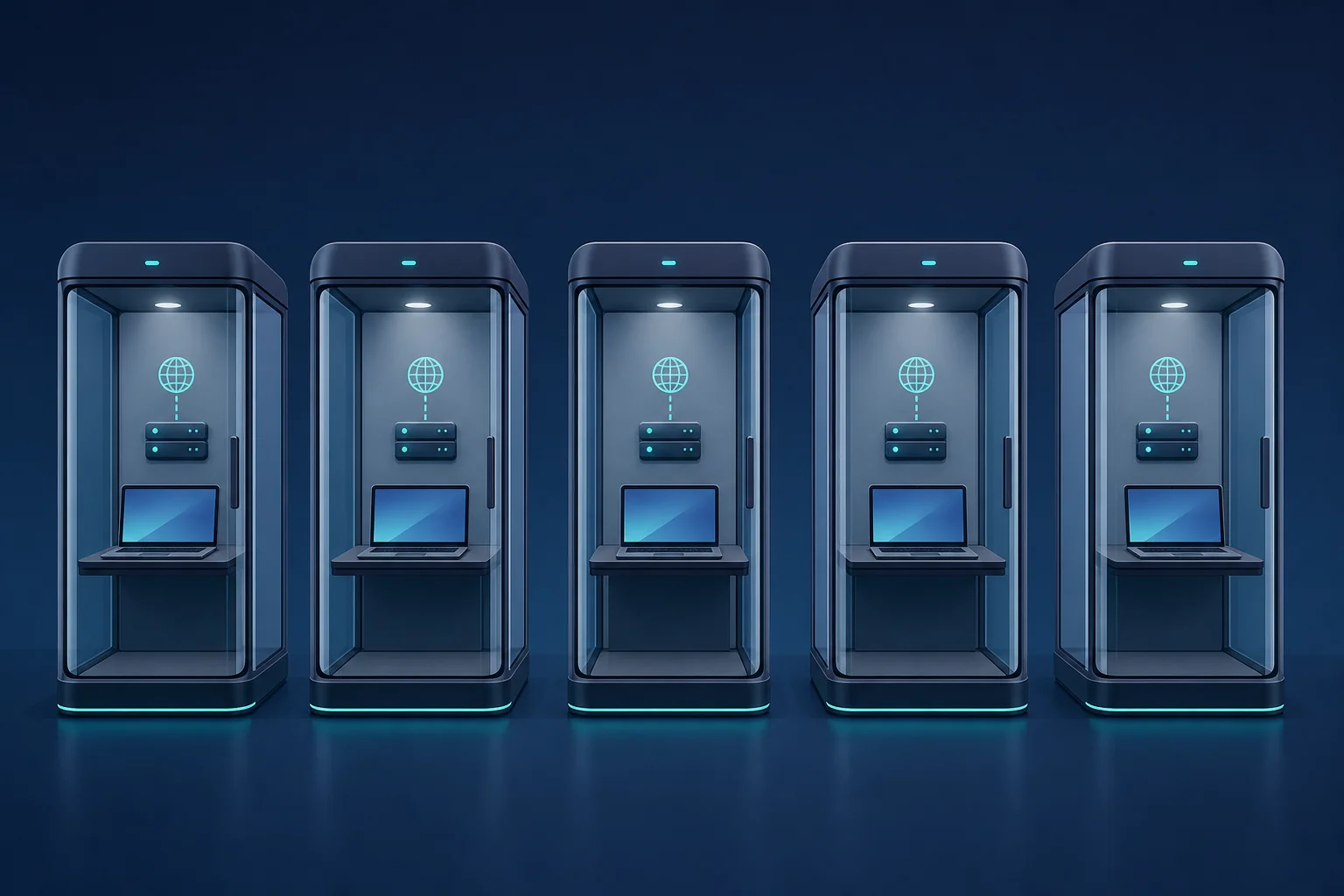
Proper isolation means:
- A dedicated residential or ISP proxy per account, matched to the account owner's actual geographic location.
- Isolated browser sessions and cookies so no two accounts share device fingerprints, cache, or login tokens.
- Separate sending schedules per account, so five accounts don't all start their daily run at 9:00 a.m. sharp from the same server.
This is precisely the gap Linkziy's multi-account management was built to close. Instead of bolting proxy management onto a single-seat tool, Linkziy assigns dedicated proxies and isolated sessions natively per account inside one dashboard, which is exactly the kind of infrastructure agencies managing client LinkedIn accounts need but rarely get out of the box from single-account-first tools.
5. Personalize at Scale Without Sounding Robotic
Text-similarity detection is one of the quieter reasons accounts get flagged. If your message reads "Hi {{firstName}}, I noticed you work at {{company}} and thought you'd be a great fit for..." and ten thousand other accounts are sending some variant of that exact template, LinkedIn's language models can match the pattern regardless of the token swap.
Real personalization goes beyond merge fields. It references something specific: a recent post the prospect published, a role change, a shared connection, or an industry event. This is where AI-personalized sequencing changes the math. Linkziy generates sequences with genuine sentence-level variation and A/B message variants for every send, drawing on enrichment signals like recent activity and job changes, so no two messages in a campaign read identically even at high volume.
Beyond avoiding detection, this actually works better. Higher-quality personalization drives better reply rates, and LinkedIn's own algorithm rewards accounts with healthy engagement and response signals, treating them as trusted network participants rather than broadcast spammers.
6. Monitor Account Health and React Before LinkedIn Does
Suspensions rarely arrive with zero warning. Watch for these signals and treat them as a reason to slow down immediately:
- Unexpected CAPTCHA prompts during normal browsing or messaging.
- Phone or ID verification requests out of nowhere.
- "Restricted" labels on search results or messaging limits appearing without explanation.
- A sudden drop in connection acceptance or reply rate week over week.
When any of these show up, pause automated sending for 48-72 hours and return to manual, light activity. Track weekly acceptance rate and response rate as your two core health metrics, not just raw volume sent. A unified inbox and pipeline dashboard, like the one built into Linkziy, makes this monitoring almost automatic: hot/warm/cold lead scoring and reply tracking surface anomalies (like a sudden reply-rate crash) long before you'd notice it by manually checking five separate inboxes.
Linkziy vs. Expandi and Dripify: Comparing Safety Architecture
Not all "safe automation" claims hold up the same way under real usage. Here's how the safety architecture actually compares:
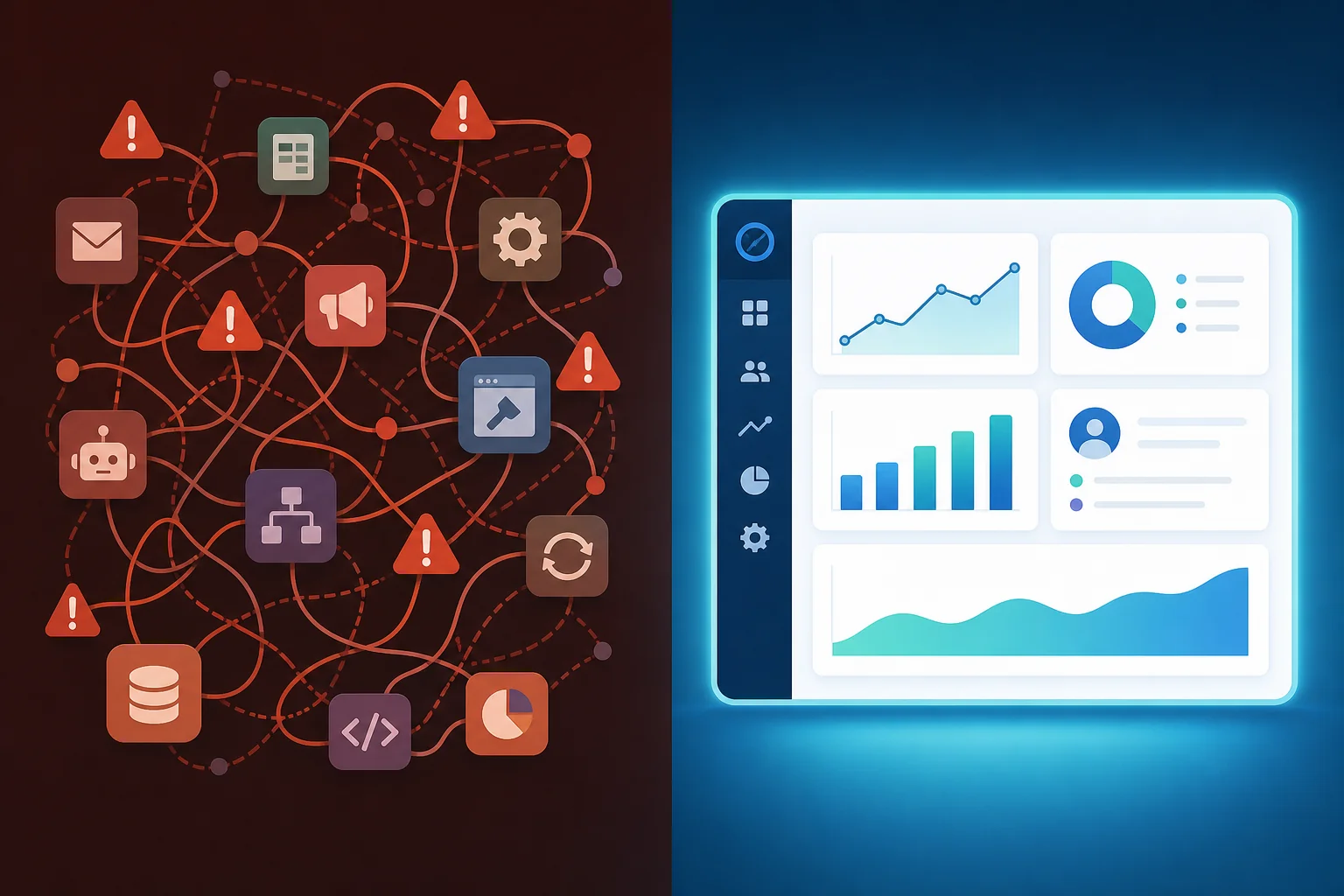
- Expandi markets itself as safety-first and does offer cloud-based sending with some pacing controls. But it's largely single-seat in design, meaning agencies managing many client accounts have to stitch together separate workarounds for proxy isolation and reporting, increasing operational risk as account count grows.
- Dripify covers the basics of sequenced automation, but its personalization depth is limited to standard merge-field templating, and it has no built-in lead warmup step, so cold connection requests go out without the engagement runway that improves both acceptance rates and account safety.
- Linkziy was architected around the assumption that unsafe automation is the top reason growth stalls. Native multi-account isolation with dedicated proxies, built-in lead warmup, AI-personalized sequencing with A/B variants, and a unified inbox all live in one system, instead of being cobbled together from a scheduler, a separate outreach tool, and a spreadsheet for reporting.
The pattern across suspended accounts is rarely "automation was used." It's "automation was stacked together from disconnected point-tools with no shared safety layer." Every extra tool in the stack is another login, another IP, another set of rate limits to track manually, and another point of failure.
The accounts most likely to get suspended aren't the ones using automation. They're the ones using automation stitched together from three different tools with no coordinated safety layer between them.
For a broader look at how sales teams evaluate outbound infrastructure, the Gartner research on sales technology consistently flags "tool sprawl" as a top driver of both operational risk and wasted spend, which tracks directly with what we see in LinkedIn account suspensions.
Frequently Asked Questions
How many connection requests can I send per day without getting flagged in 2026?
There's no official published number, but most safe operators stay in the 15-25 per day range for a fully warmed account, ramping up gradually rather than jumping straight to that ceiling. New accounts should start far lower, closer to 5-10 per day, during the first two weeks.
Can LinkedIn detect automation tools like Expandi or Dripify?
LinkedIn's detection focuses on behavioral patterns rather than identifying specific tool brands. That said, tools using shared infrastructure, fixed-interval sending, or highly templated messaging create patterns that are easier to flag, regardless of which tool generated them. The safer the underlying sending behavior, the less relevant which tool you used.
How long does a LinkedIn account suspension last?
Restrictions range from a few days for minor rate-limit violations to permanent bans for repeated or severe policy violations. LinkedIn doesn't publish a fixed timeline, and appeals through standard support channels often take one to two weeks with no guaranteed outcome.
Is it safe to run multiple LinkedIn accounts from one agency?
Yes, but only with proper isolation. Each account needs its own dedicated proxy matched to the account holder's real location, its own browser session, and independent sending schedules. Running multiple accounts through shared infrastructure is the fastest way to trigger cascading suspensions across an entire client roster.
What should I do if my LinkedIn account gets restricted?
Stop all automated activity immediately. Return to light, manual engagement (a few likes and comments a day) for at least a week before considering any outreach. Review your recent sending pace and message templates for red flags, and only resume automation gradually once the restriction lifts and your acceptance/reply rates stabilize.
Put a Safer System in Place This Week
Avoiding a LinkedIn suspension isn't about sending less. It's about sending smarter, with warmup sequences, human pacing, isolated accounts, and messages that don't read like a mail merge. That's the exact infrastructure Linkziy was built around: lead warmup, native multi-account isolation, and AI-personalized sequencing in one dashboard instead of five disconnected tools fighting each other's rate limits.
If you're currently juggling Expandi, Dripify, or a spreadsheet full of login credentials, it's worth seeing what a unified, safety-first system looks like in practice. Start free and run your next campaign with proper warmup and pacing built in, or schedule a demo if you're managing multiple client accounts and want to see the multi-account isolation firsthand. For agencies and sales leaders comparing options before committing, you can also book a strategy call or view pricing to see which plan fits your team's outreach volume.